The photo cleaner that feels like a game

Swipe away
the clutter.

Your camera roll is full of blurry shots, duplicates and screenshots you'll never look at again. Sift turns cleaning them into a swipe: left to toss, right to keep. Gigabytes back in minutes.

Free forever — 60 swipes a day · No account · Photos never leave your iPhone
100% on-device — zero uploads $14.99 once — no weekly subscription Bin safety net — undo anything 10 languages — light & dark

Clean your photo library in three swipes flat

No albums to build, no checkboxes to tap 400 times. Sift deals your photos like cards — you just decide.

🃏

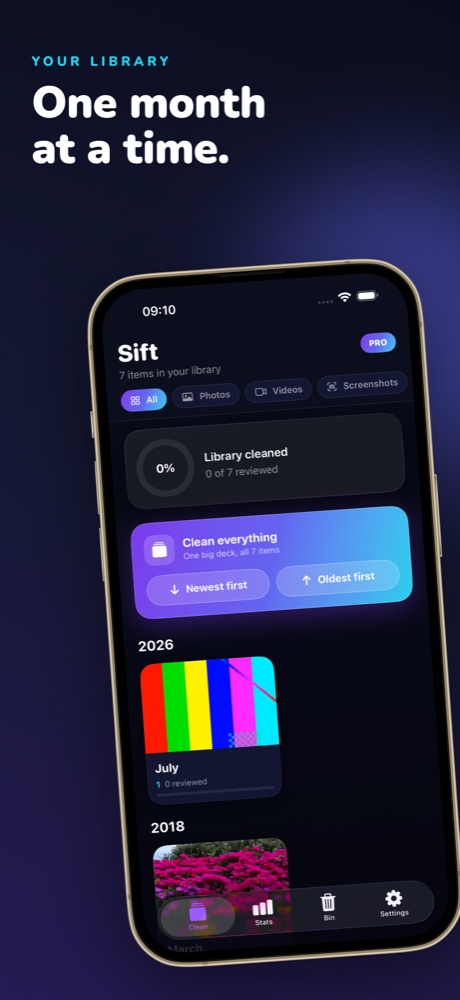
Pick a month

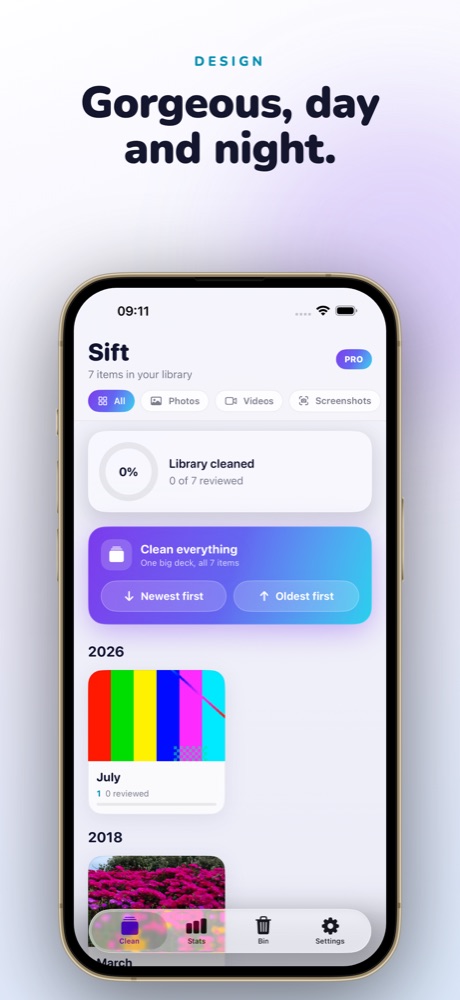
Sift groups your library by month — or take on the whole camera roll at once, newest or oldest first. Filter to just screenshots, videos or Live Photos.

👆

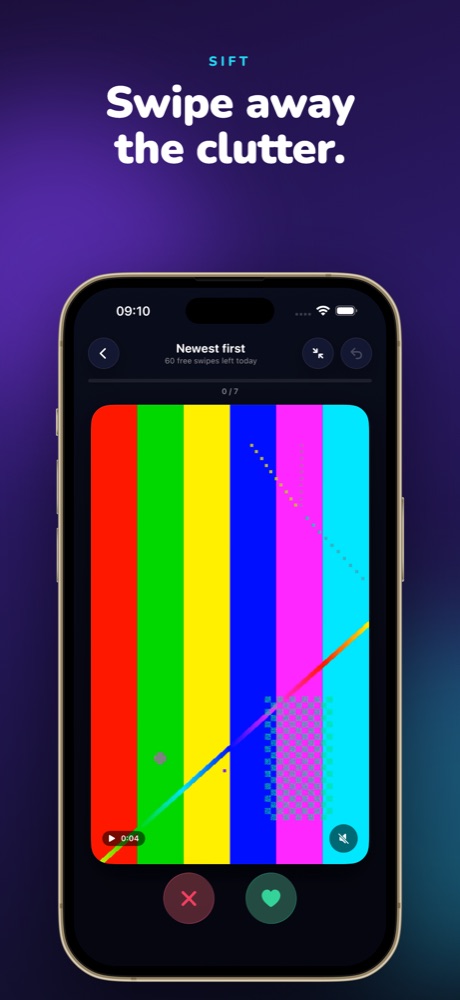
Swipe left or right

Left sends a photo to the bin, right keeps it. Videos and Live Photos play on tap. It's fast, satisfying, and weirdly hard to stop.

🎉

Empty the bin

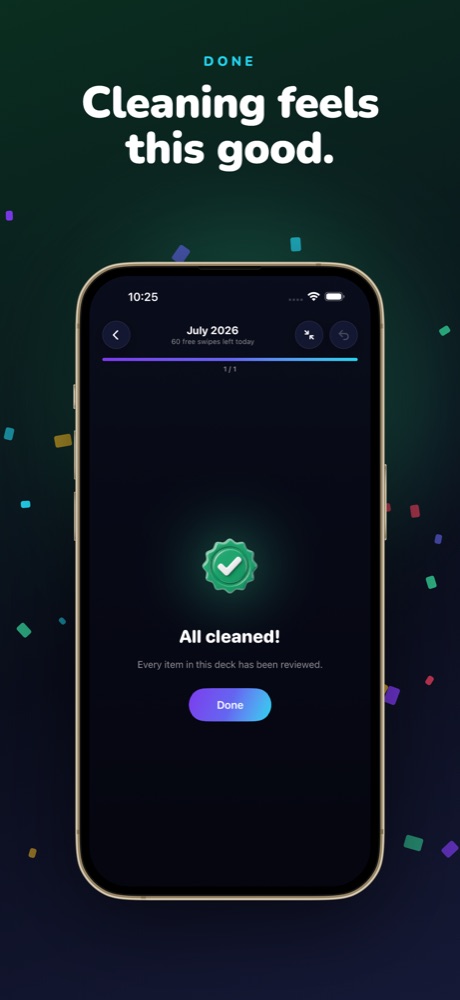
Nothing is deleted until you say so. Review the bin, restore anything, then empty it — and watch the gigabytes come back with a little confetti.

Designed to make deleting feel this good

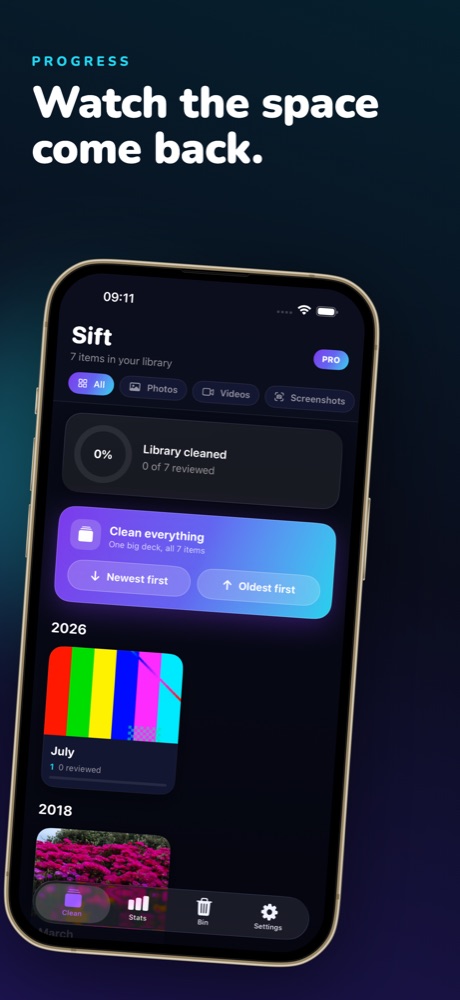
A premium, glassy interface in light and dark — with a celebration every time you finish a month.

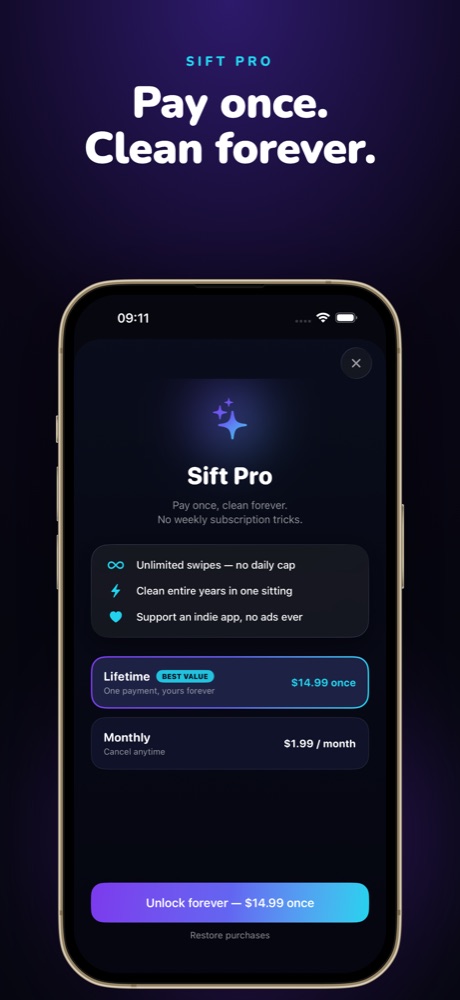
Swipe left to delete photos, right to keep them in the Sift photo cleaner app iPhone photo library organised month by month in Sift Celebration screen after cleaning a month of photos in Sift Storage space freed and cleaning statistics in the Sift app Sift Pro one-time lifetime purchase — pay once, clean forever Sift photo cleaner light mode interface on iPhone

Fair pricing. No weekly tricks.

Other photo cleaners charge $4.99 a week. Sift is free every day — and Pro is yours forever for the price of lunch.

Free
$0
forever
  • 60 swipes every day
  • All features included
  • Bin, filters, stats, 10 languages
  • No account, no ads
PAY ONCE
Sift Pro
$14.99
one time, lifetime — or $1.99/month
  • Unlimited swipes
  • Clean entire years in one sitting
  • Support an indie app
  • No recurring weekly charges, ever

Guides: clean your iPhone like a pro

Practical answers to the photo-cleanup questions everyone Googles — and the fastest way to actually do it.

Frequently asked questions

How do I delete duplicate photos on my iPhone?
Open Sift, pick a month (or "Clean everything"), and swipe left on the copies — duplicates sit next to each other in the deck, so they take seconds to clear. Nothing is deleted until you empty the bin. Learn more →
How do I free up storage on my iPhone without deleting apps?
Photos and videos are usually the biggest storage consumers. Cleaning your library with Sift typically recovers several gigabytes in a first session — the app shows you the exact space reclaimed. Learn more →
Can I delete all my screenshots at once?
Yes — use Sift's Screenshots filter to deal only screenshots into the deck, swipe through them, and empty the bin. Hundreds of screenshots take a few minutes. Learn more →
Is Sift really free? What's the catch?
60 swipes a day, free forever — genuinely no catch, no ads, no account. If you want unlimited swipes, Sift Pro is $1.99/month or $14.99 once for lifetime. We don't do weekly subscriptions. Learn more →
What happens if I swipe away a photo by mistake?
Tap undo, or find it in the bin and restore it. Even after emptying the bin, iOS keeps deleted photos in "Recently Deleted" for up to 30 days. Learn more →
Do my photos get uploaded anywhere?
No. Sift runs entirely on your iPhone — no cloud, no account, no tracking. Your photos never leave your device. Learn more →
My iPhone storage is full — what should I delete first?
Start with videos and screenshots (biggest wins), then blurry shots and duplicates. Our triage guide walks the exact order. Learn more →
How is this different from the Photos app?
Photos makes you select images one by one with taps. Sift deals them like cards, one decision per photo, with a safety bin — most people review 10× more photos per minute. Learn more →
Sift — photo cleaner app icon

Your camera roll called.
It wants a spring clean.

Free on the App Store. First 60 swipes are on us — every day.

Download Sift free